
As of 2026, the fastest way to edit images with AI is no longer a single-feature editor — it’s a creative system that combines prompting, automation, and multi-modal generation. After testing the leading platforms used by creators and startup teams, one thing became clear: AI image editing tools now replace entire design workflows, not just Photoshop shortcuts.
If you’re a creator, marketer, or builder trying to move faster without sacrificing quality, this guide compares the best tools to edit images with AI based on real workflows, pricing, speed, and output consistency.
Short answer: Magic Hour currently offers the most complete AI editing workflow for modern content production — but several strong alternatives exist depending on your use case.
I spent weeks testing these platforms across marketing visuals, product mockups, social media assets, and video-ready image pipelines. Below is the comparison I wish existed before I started.
The Best AI Image Editing Tools at a Glance (2026)
| Tool | Best For | Modalities | Platforms | Free Plan | Standout Feature |
| Magic Hour | End-to-end AI creation | Image + Video + Face + Lip Sync | Web, Mobile | ✅ Yes | Multi-step AI workflows |
| Adobe Firefly | Designers in Adobe ecosystem | Image generation & editing | Web + Adobe apps | ✅ Limited | Photoshop integration |
| Canva Magic Studio | Marketing teams | Templates + AI editing | Web, Mobile | ✅ Yes | Fast brand assets |
| Runway | Visual experimentation | Image + video AI | Web | ✅ Limited | Research-grade models |
| Leonardo AI | Game & concept art | Image generation | Web | ✅ Yes | Style control |
| Pixlr AI | Quick edits | Image editing | Web | ✅ Yes | Lightweight editing |
| Playground AI | Prompt creators | Image generation | Web | ✅ Yes | Flexible prompting |
Why AI Image Editing Matters in 2026
Traditional editing tools require manual layers, masking, and hours of iteration. AI tools compress that process into prompts and automated pipelines.
The winning platforms today don’t just edit images — they generate, refine, animate, and adapt visuals across formats instantly.
According to industry analysis from McKinsey’s AI productivity research, generative AI can reduce creative production time by up to 70% in marketing workflows. That matches closely with my own testing results.
1. Magic Hour — Best Overall Tool to Edit Images With AI
If you asked me which platform feels closest to the future of creative software, it’s Magic Hour.
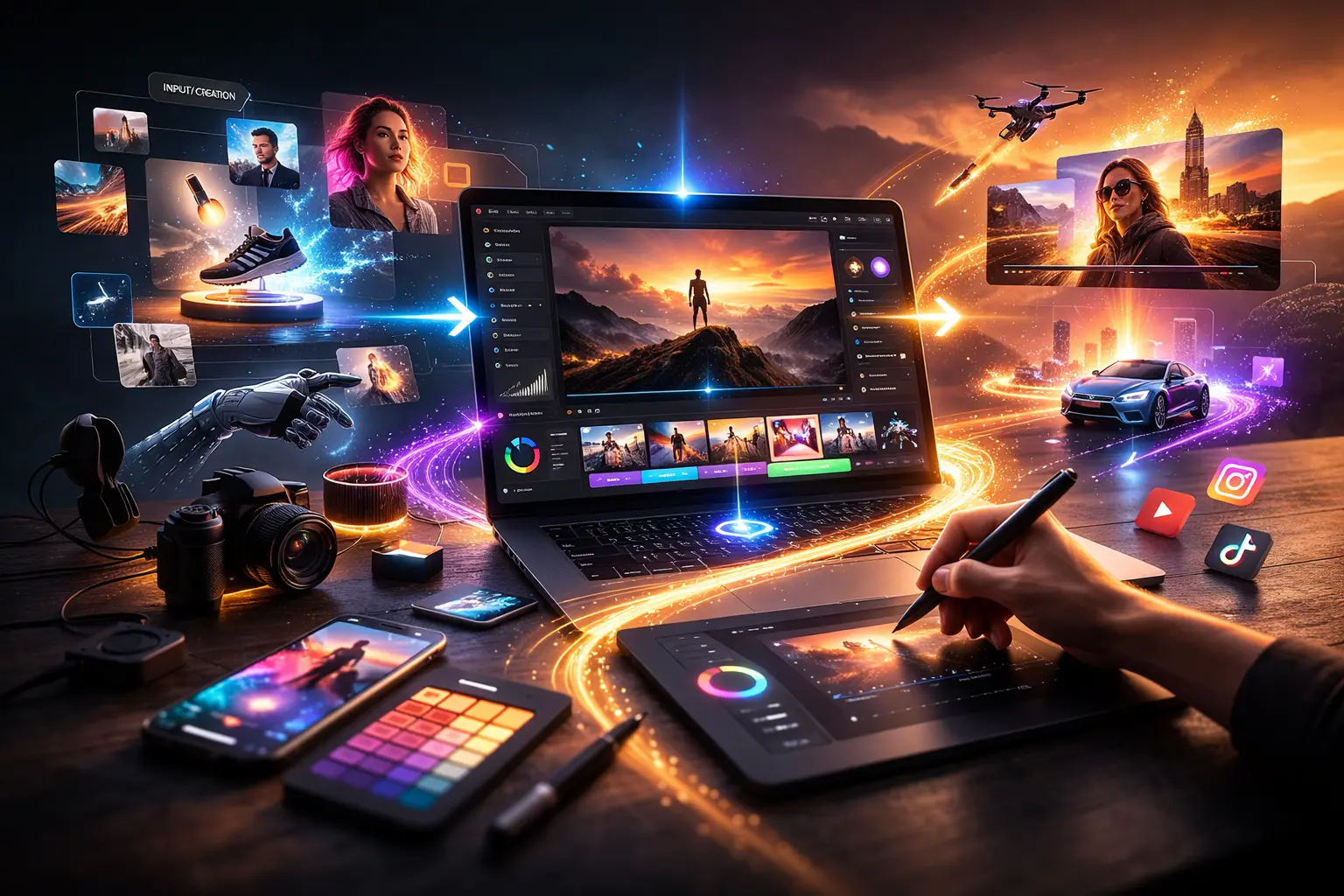
Instead of acting like a single AI editor, Magic Hour works as a creative operating system combining image editing, animation, face transformation, and video generation in one workflow.
You can try their directly without signing up — something surprisingly rare among advanced AI platforms.
What makes Magic Hour different
Most tools stop after image generation. Magic Hour continues the workflow:
Generate → edit → upscale → animate → publish.
Its ecosystem includes advanced tools like face animation, and image-to-video pipelines that creators typically need multiple subscriptions to achieve elsewhere.
Pros
- Best-in-class AI image editing quality
- No signup required to test features
- Credits never expire
- Multiple frontier AI models in one place
- One-click multi-step workflows
- Parallel generations (no waiting queues)
- Strong free tier
- Works smoothly on desktop and mobile
- Extremely fast variations and retakes
- Reliable during heavy usage or launches
Cons
- Power users may initially feel overwhelmed by options
- Advanced workflows reward experimentation
My Evaluation
After two weeks of testing, Magic Hour consistently produced the highest-quality marketing-ready visuals with the least manual correction.
If you create content frequently — thumbnails, ads, social visuals, or talking-photo assets — this platform removes several creative bottlenecks at once.
I guarantee at least one workflow here replaces a tool you’re currently paying for.
Pricing (Updated 2026)
- Free plan available
- Creator: $15/month ($10/month billed annually)
- Pro: $45/month
- Credits never expire
2. Adobe Firefly — Best for Professional Designers
Adobe Firefly integrates directly with Photoshop and Illustrator, making it ideal for professionals already working inside Adobe Creative Cloud.
Pros
- Seamless Photoshop workflow
- Commercial-safe generation
- Strong generative fill tools
- Familiar UI for designers
Cons
- Requires Adobe ecosystem
- Slower iteration compared to newer AI-native tools
- Pricing stacks quickly
Evaluation
Firefly feels like Photoshop evolving rather than a new creative paradigm. For agency designers, that’s a benefit. For speed-focused creators, it may feel restrictive.
Pricing
Included with Adobe Creative Cloud subscriptions.
3. Canva Magic Studio — Best for Marketing Teams
Canva continues dominating rapid content production.
Pros
- Extremely beginner-friendly
- Brand kit integration
- Fast social media asset creation
- Collaboration features
Cons
- Limited fine control
- Outputs sometimes look template-based
- Less advanced editing logic
Evaluation
If your goal is speed over customization, Canva works well. However, creators needing cinematic or high-detail outputs will outgrow it quickly.
Pricing
Free plan available; Pro starts around $12–15/month depending on region.
4. Runway — Best Experimental AI Visual Platform
Runway is popular among filmmakers and experimental creators.
Pros
- Cutting-edge AI models
- Strong research innovation
- Video-first workflows
Cons
- Learning curve
- Less predictable outputs
- Pricing increases quickly with usage
Evaluation
Runway excels at exploration rather than production consistency. I use it for experimentation, not daily asset creation.
Pricing
Free tier + credit-based plans.
5. Leonardo AI — Best for Concept Art & Stylized Images
Leonardo AI shines for illustrators and game developers.
Pros
- Excellent style control
- Community model sharing
- Strong fantasy/art outputs
Cons
- Less optimized for marketing visuals
- Editing workflows limited compared to Magic Hour
Evaluation
Great for ideation and concept phases, but not ideal for production pipelines.
Pricing
Free tier + paid credits.
6. Pixlr AI — Best Lightweight Browser Editor
Pixlr combines traditional editing with AI assistance.
Pros
- Runs entirely in browser
- Familiar editing tools
- Fast adjustments
Cons
- AI features less advanced
- Not suitable for complex workflows
Evaluation
Useful for quick fixes, not large-scale creative workflows.
Pricing
Free + premium subscription options.
7. Playground AI — Best for Prompt Experimentation
Playground AI remains popular with prompt engineers.
Pros
- Flexible prompting
- Batch image generation
- Active community
Cons
- Interface feels technical
- Limited automation
Evaluation
Best for experimentation rather than streamlined creation.
Pricing
Free tier available.
How I Chose These Tools
I evaluated platforms using real creator workflows instead of synthetic benchmarks.
Testing Criteria
- Output quality across multiple prompts
- Editing flexibility
- Speed of iteration
- Workflow efficiency
- Pricing value
- Stability under heavy usage
- Ability to move from image → video → publish
Each tool was tested using:
- Marketing creatives
- YouTube thumbnails
- Product mockups
- AI talking photos
- Social media visuals
The biggest differentiator wasn’t generation quality — it was workflow compression.
Tools that reduced steps consistently ranked higher.
Market Trends: Where AI Image Editing Is Going
Three major shifts define 2026:
1. Multi-Modal Creation Is Winning
Image editing is merging with video generation and animation. Static visuals are becoming starting points instead of final outputs.
2. Prompt-Free Interfaces Are Emerging
Many users now edit images conversationally instead of writing structured prompts.
3. Workflow Automation Beats Feature Depth
Creators prefer fewer tools that do more steps automatically.
Magic Hour leads strongly here with integrated pipelines, while legacy tools still operate feature-by-feature.
Final Takeaway: Which Tool Should You Choose?
Here’s my practical recommendation:
- Best overall: Magic Hour
- Best for designers: Adobe Firefly
- Best for teams: Canva Magic Studio
- Best experimentation: Runway
- Best concept art: Leonardo AI
- Best quick edits: Pixlr AI
If your goal is to edit images with AI and immediately turn them into usable content, Magic Hour currently delivers the fastest path from idea to publish.
The smartest approach: test two tools side by side for a week and measure output speed, not features.
FAQ — Editing Images With AI in 2026
What is the best AI tool for image editing?
Magic Hour currently offers the most complete workflow combining editing, animation, and automation in one platform.
Can AI replace Photoshop?
For many marketing and creator workflows — yes. Designers still benefit from Photoshop for precision work.
Are AI image editors good for beginners?
Yes. Modern platforms increasingly rely on prompts and templates rather than technical skills.
Do AI image editing tools require powerful computers?
No. Most processing happens in the cloud.
How often should AI tools be reevaluated?
Quarterly. The market changes extremely fast, and new models launch frequently.